Information of Hypic APK
|
Name |
Hypic |
|---|---|
|
Google Play Link |
|
|
Developer |
Bytedance Pte. Ltd. |
|
Category |
Photography |
| Last version | 9.6.0 |
|
Updated |
|
|
Compatible with |
5.0 |
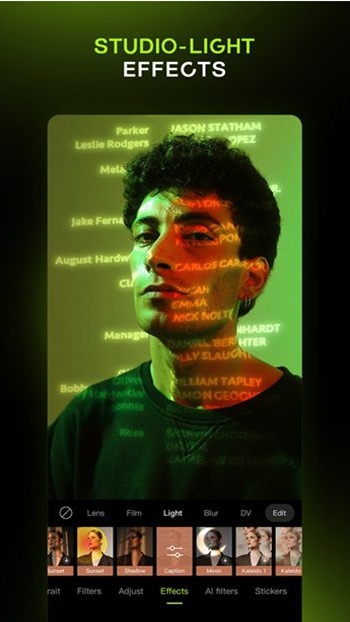
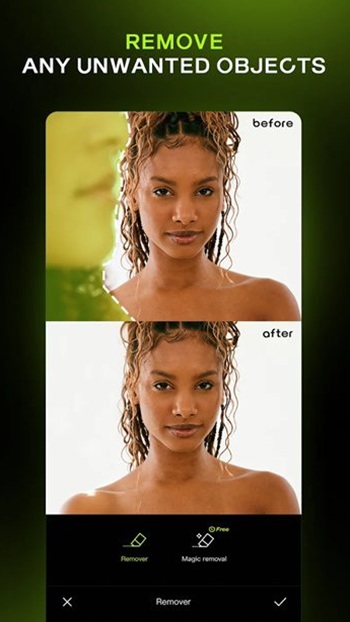
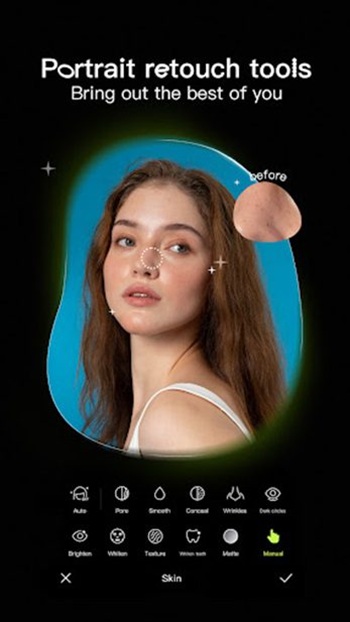

Hypic APK is a mobile photo-editing application designed for users who want to enhance pictures quickly without complicated editing skills. The latest version offers AI-powered retouching, filters, templates, effects, and portrait tools. It works mainly on Android smartphones and tablets, with performance depending on the device's Android version, RAM, and available storage. With a simple interface and fast processing, Hypic APK is suitable for casual edits, social media photos, and creative portraits.
Introduction to Hypic APK
Hypic APK combines traditional photo-editing controls with modern AI features in one mobile application. Instead of requiring users to manually adjust every detail, the app provides ready-made tools for improving portraits, changing visual styles, and creating polished images within a few taps.
The interface is relatively easy to understand, making it accessible to both beginners and experienced users. You can import an image from your gallery, select an editing tool, preview the result, and make additional adjustments before saving the final picture.
One of its main strengths is its focus on portrait editing. Users can enhance facial details, adjust skin appearance, apply makeup-style effects, and experiment with different visual styles. Filters and creative effects also make it useful for preparing images for platforms such as Instagram, TikTok, or other social networks.
Pros and Cons of the Application
Advantages of Hypic APK
- AI-powered editing: Automates several complex editing tasks.
- Portrait enhancement: Provides tools for improving facial details and overall appearance.
- Creative filters: Includes different styles for changing the mood of an image.
- Easy interface: Most features can be accessed without advanced editing knowledge.
- Quick results: AI tools can significantly reduce the time needed for basic edits.
- Creative templates: Useful for users who want ready-to-use visual designs.
Disadvantages of Hypic APK
- Some advanced features may require additional access or premium options.
- AI processing can be demanding on older or lower-end Android devices.
- Results may vary depending on the original image quality.
- Too many automatic effects can sometimes make portraits look less natural.
- Users looking for professional-level manual editing may prefer a more advanced editor.
For users who want another option, Fotor also provides a range of photo-editing and AI-powered creative tools. Comparing both applications can help you choose an editor that better matches your preferred editing style.
Other Tips for Using Hypic APK
For better results, start with high-resolution photos that have good lighting. AI enhancement generally works more effectively when the face and important details are clearly visible.