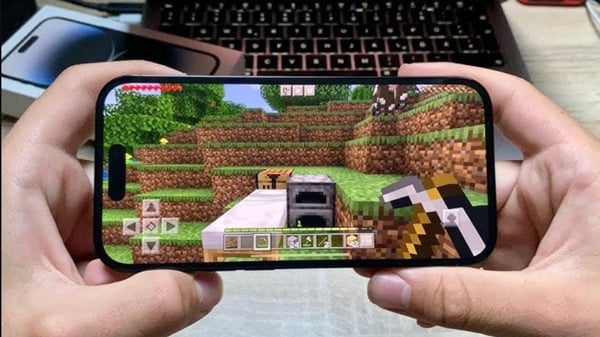
Minecraft Realms
Aug 03, 2026
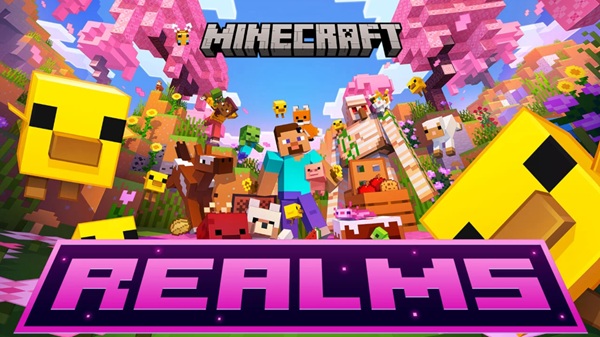

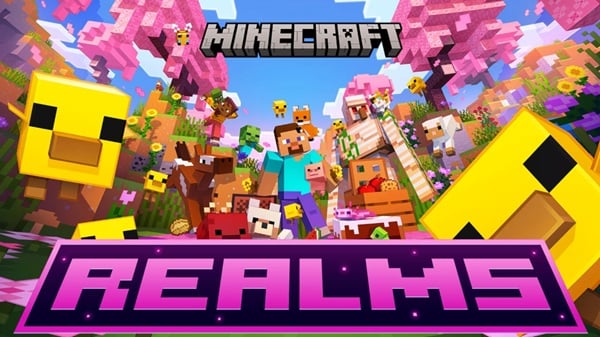
Minecraft Realms is the official multiplayer hosting service developed by Mojang. It allows players to create a private online world where friends can join anytime without needing to set up a dedicated server. Whether you're building massive cities, surviving against mobs, or exploring new biomes together, Realms provides a safe, reliable, and user-friendly experience.
Unlike public servers, Realms focuses on private gameplay. You control who can access your world, making it perfect for families, classmates, and groups of friends who want a secure environment.
What Is Minecraft Realms?
Minecraft Realms is a subscription-based cloud server that hosts your Minecraft world online. Once a Realm is created, it remains active even when the owner is offline. This means invited players can continue exploring, building, and completing adventures at any time.
The service works directly through the Minecraft game, so there's no need to configure ports, install server software, or manage complicated networking settings.
Main Features of Minecraft Realms
Private Multiplayer World
Invite only the players you trust. Every Realm is protected by invitations, ensuring strangers cannot enter your world.
Cloud-Based Hosting
Your world is stored securely in the cloud, eliminating the need to leave your computer running for others to play.
Automatic Backups
Realms regularly creates backups of your world. If something unexpected happens, you can restore an earlier version with just a few clicks.
Cross-Platform Support
Minecraft Realms supports players across multiple compatible devices. Friends can join from Windows PCs, consoles, tablets, or smartphones depending on the Minecraft edition they use.
Easy Management
The world owner can:
- Invite or remove players
- Change game modes
- Upload custom worlds
- Restore backups
- Adjust permissions
- Enable or disable cheats
Minecraft Realms vs Dedicated Servers
| Feature | Minecraft Realms | Dedicated Server |
|---|---|---|
| Easy Setup | ✔ | Requires configuration |
| Official Mojang Service | ✔ | No |
| Automatic Backups | ✔ | Depends on host |
| Private Access | ✔ | Configurable |
| Technical Knowledge Needed | Very Low | Moderate to High |
| Available 24/7 | ✔ | Depends on hosting |
Realms is ideal for casual players, while dedicated servers offer greater customization for large communities.
How to Create a Minecraft Realm
Creating a Realm takes only a few minutes.
Step 1
Launch Minecraft and sign in with your Microsoft account.
Step 2
Navigate to the Realms section from the main menu.
Step 3
Choose the subscription plan that best fits your group.
Step 4
Create a new world or upload an existing save.
Step 5
Invite your friends using their Minecraft usernames.
Once the invitations are accepted, everyone can join whenever the Realm is online—which is essentially all the time.
Tips for Playing Together
Playing cooperatively becomes much more enjoyable with some planning.
- Build a shared base.
- Divide responsibilities among players.
- Create farms for food and resources.
- Explore caves together.
- Defeat bosses as a team.
- Keep regular backups before major projects.
Working together makes survival worlds more efficient and creative builds more impressive.
Why Choose Minecraft Realms?
Many players prefer Realms because it removes nearly all technical barriers. There is no need to rent third-party hosting, configure server files, or worry about network security.
Some of the biggest advantages include:
- Official support from Mojang
- Stable online performance
- Secure private worlds
- Simple multiplayer setup
- Reliable cloud saves
- Quick invitations for friends
For small groups, it offers one of the most convenient multiplayer experiences available.
Common Activities in Minecraft Realms
Players use Realms for many different play styles.
Survival Adventures
Gather resources, build shelters, and defeat powerful enemies together.
Creative Building
Collaborate on castles, cities, amusement parks, and fantasy worlds.
Mini-Games
Upload community-created maps and enjoy puzzles, races, or PvP challenges.
Family Worlds
Parents often use Realms to provide children with a safe multiplayer environment where only approved players can join.
Is Minecraft Realms Worth It?
For players who regularly enjoy Minecraft with friends, Realms is often worth the subscription cost. The convenience of automatic hosting, built-in backups, and official support saves both time and effort.
While larger communities may benefit from dedicated servers with advanced customization, Realms remains an excellent solution for small groups seeking a simple and reliable multiplayer experience.
Final Thoughts
Minecraft Realms makes online multiplayer accessible to everyone. Instead of spending time configuring servers, you can focus on what truly matters—building, exploring, surviving, and creating unforgettable adventures with friends. Whether you're starting your very first shared world or continuing a long-term survival project, Realms offers a secure and hassle-free way to enjoy Minecraft together.